Partner Portal Sign-Up
Partner Portal Sign-Up
- Please go to https://help.anchormydata.com/portal/en/signin and then click on the Sign-Up tab.
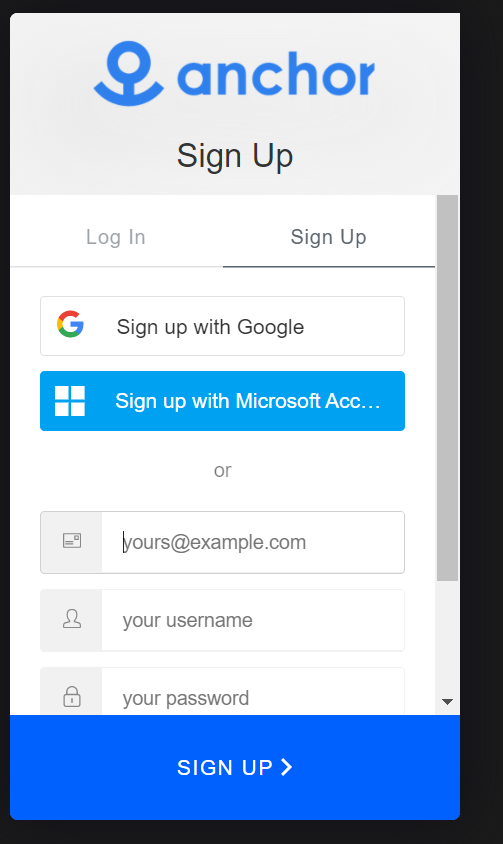
- Complete the signup on Process. Users can sign up using the email address, or Google/Microsoft account. The Google/Microsoft account must be linked with your company email address in order to get access to the partner portal.
- The Anchor team will get a signup notification and give you access to the partner portal.
- After step 3 is completed, you will see two new categories related to partners on the support portal.